Why Freelancers Need AI-Powered Budget Tracking
Freelancing offers freedom. But freedom comes with financial chaos.
Unlike traditional employees, freelancers face:
- Irregular income patterns
- Multiple client payment schedules
- Quarterly estimated tax payments
- Deductible expense tracking
- No employer-provided benefits
AI budget trackers for freelancers are transforming how independent professionals manage irregular income, track expenses, and prepare for taxes.
According to a 2025 survey by Freelancers Union, 67% of freelancers report that financial management is their biggest source of work-related stress. The same survey found that freelancers spend an average of 8 hours per month manually tracking income and expenses.
That is a full workday every month. Time that could be spent on billable client work.
The Cost of Manual Budget Tracking
| Activity | Time per Month | Lost Billable Value (at $75/hr) |
|---|---|---|
| Categorizing transactions | 2 hours | $150 |
| Tracking client payments | 1.5 hours | $112 |
| Estimating quarterly taxes | 2 hours | $150 |
| Finding deductible expenses | 1.5 hours | $112 |
| Creating financial reports | 1 hour | $75 |
| Total Monthly Loss | 8 hours | $600 |
Annual loss from manual tracking: $7,200
AI budget trackers for freelancers reduce this time by 70-85%. The right tool pays for itself in reclaimed time.
How AI Changes the Game
| Task | Manual | With AI | Time Savings |
|---|---|---|---|
| Expense categorization | Type or select categories manually | Auto-categorizes based on merchant name | 85% |
| Income tracking | Wait for deposits and check each client | Syncs with bank and payment apps automatically | 90% |
| Tax estimation | Spreadsheet calculations quarterly | Real-time tax projections updated daily | 80% |
| Deduction discovery | Remember what is deductible | AI flags likely deductions based on spending | 75% |
| Cash flow forecasting | Guess based on past averages | Predictive AI using seasonal patterns | 70% |
The right tool pays for itself in reclaimed time.
What Makes a Budget Tracker “AI-Powered”?
Not every app with a colorful dashboard uses artificial intelligence. Here is what to look for when evaluating AI budget trackers for freelancers.
Core AI Capabilities
| Capability | What It Does | Why It Matters |
|---|---|---|
| Automated categorization | Learns your spending patterns and assigns categories without rules | No more manual dropdowns for every coffee shop visit |
| Predictive cash flow | Forecasts future income based on historical patterns and client payment behavior | Know your lowest cash month before it happens |
| Anomaly detection | Flags unusual spending or income variations automatically | Catch billing errors or fraudulent charges immediately |
| Tax deduction suggestions | Identifies potential write-offs based on transaction patterns | Find deductions you might have missed |
| Natural language processing | Understands descriptions like “payment from Client XYZ – invoice #123” | No need to rename transactions manually |
What Is NOT AI (Despite Marketing Claims)
Some apps slap “AI” on basic automation. Watch for these red flags when researching AI budget trackers for freelancers:
| Claim | Reality | Red Flag Level |
|---|---|---|
| “AI-powered” but has no learning features | Just uses static rules | 🔴 High |
| Requires you to build all categories manually | No pattern recognition | 🟡 Medium |
| No predictive features | Just historical reporting | 🟡 Medium |
| Cannot adapt to irregular income patterns | Built for salaried employees | 🔴 High |
True AI budget trackers improve over time. The longer you use them, the more accurate they become.
The 5 Best AI Budget Trackers for Freelancers in 2026
After testing 12 different platforms, here are the top 5 AI budget trackers specifically for freelance professionals.
1. QuickBooks Self-Employed
Best for: Freelancers who need tax integration alongside budgeting
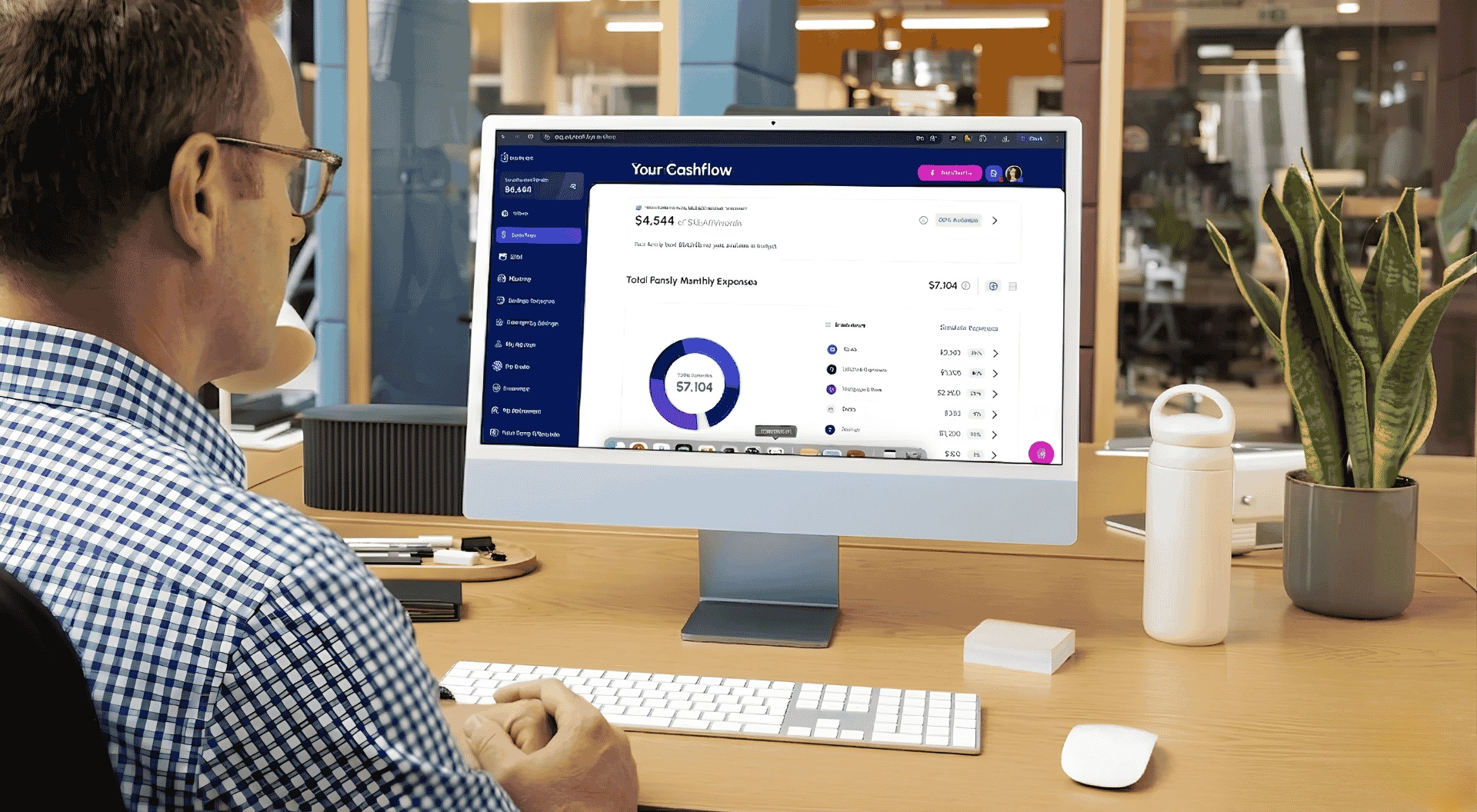
QuickBooks Self-Employed uses Intuit’s AI engine to automatically categorize transactions and estimate quarterly taxes. The system learns your categorization preferences after 30-60 days of use.
Key Features:
- Automatic mileage tracking via smartphone GPS
- Quarterly tax estimates updated in real time
- Schedule C tax form preparation
- Separate business and personal expense tracking
- AI-powered receipt capture and matching
Pros:
- Industry standard for self-employed tax preparation
- Seamless integration with TurboTax
- Excellent for freelancers with vehicle expenses
- Strong mobile app
Cons:
- Less robust reporting than full QuickBooks. The The
- AI learning period can take 2-3 months
- No built-in time tracking
- More expensive than basic budget apps
Pricing: $15/month (annual billing available)
Affiliate Link: Get QuickBooks Self-Employed (We earn a commission if you purchase through this link.)
2. YNAB (You Need A Budget) with AI Insights
Best for: Freelancers with variable income who need proactive budgeting
YNAB added AI-powered “Target” suggestions and spending pattern recognition in 2025. The system analyzes your irregular income history to suggest realistic category targets.
Key Features:
- AI-suggested budget targets based on spending history
- Variable income planning tools
- Real-time spending alerts
- Goal tracking for tax savings
- Detailed reporting on spending trends
Pros:
- Designed specifically for variable income
- Strong community and educational resources
- 34-day free trial
- Excellent mobile experience
Cons:
- Learning curve for the “zero-based budgeting” method
- More expensive than basic alternatives
- AI features are newer (less proven than competitors)
- No built-in invoicing
Pricing: $14.99/month or $99/year
Affiliate Link: Try YNAB Free for 34 Days (We earn a commission if you purchase through this link)
3. FreshBooks
Best for: Service-based freelancers who need invoicing + budgeting in one platform
FreshBooks combines AI-powered expense tracking with professional invoicing. The system automatically suggests expense categories based on vendor history and client payment patterns.
Key Features:
- AI-powered expense categorization
- Automatic late payment reminders
- Recurring invoice scheduling
- Project profitability tracking
- Time tracking integrated with billing
Pros:
- All-in-one solution (invoicing, expenses, time tracking)
- Excellent client payment tracking
- Professional invoice templates
- Strong mobile app
Cons:
- More expensive than single-purpose budget tools
- AI features are less advanced than dedicated budgeting apps
- Reporting can be overwhelming for beginners
- No free tier
Pricing: Starts at $19/month (Lite plan includes estimates and time tracking)
Affiliate Link: Start FreshBooks Free Trial (We earn a commission if you purchase through this link)
4. Fygaroo
Best for: Freelancers wanting dedicated AI budget tracking without accounting complexity
Fygaroo is a newer entrant specifically built for freelancers with irregular income. The AI engine learns your cash flow patterns and predicts low-cash periods.
Key Features:
- AI-powered income forecasting
- Automatic expense categorization
- Tax savings goal tracking
- “Safe to spend” calculations
- Client profitability analytics
Pros:
- Purpose-built for freelancers (not adapted from small business software)
- Excellent predictive features
- Simple, focused interface
- More affordable than traditional accounting software
Cons:
- Newer platform (less community support)
- No built-in invoicing
- Limited integrations compared to established tools
- The mobile app is less polished than its competitors
Pricing: 9.99/month or 99/year
Affiliate Link: Learn More About Fygaroo (We earn a commission if you purchase through this link)
5. PocketSmith
Best for: Data-focused freelancers who want powerful forecasting and scenario planning
PocketSmith uses AI to generate cash flow forecasts based on historical data and recurring patterns. It is the most sophisticated forecasting tool on this list.
Key Features:
- AI-powered cash flow forecasting up to 30 years
- Scenario planning (what if a client pays late?)
- Budget vs. actual reporting
- Calendar-based budgeting view
- Multi-currency support
Pros:
- Unmatched forecasting capabilities
- Visual cash flow calendar
- Excellent for freelancers with complex income streams
- Strong API for custom integrations
Cons:
- Steeper learning curve
- More expensive than basic options
- Less automated categorization than competitors
- Not designed specifically for freelancers
Pricing: Free tier available; Premium at 9.99/month; Super at 19.99/month
Affiliate Link: Try PocketSmith Free (We earn a commission if you purchase through this link.)
Comparison Table: Features, Pricing, and AI Capabilities
| Feature | QuickBooks SE | YNAB | FreshBooks | Fygaroo | PocketSmith |
|---|---|---|---|---|---|
| AI auto-categorization | ✅ | ✅ | ✅ | ✅ | ⚠️ Limited |
| Income forecasting | ⚠️ Basic | ✅ | ⚠️ Basic | ✅ | ✅ Advanced |
| Tax estimates | ✅ | ❌ | ⚠️ Basic | ✅ | ❌ |
| Built-in invoicing | ⚠️ Basic | ❌ | ✅ | ❌ | ❌ |
| Time tracking | ❌ | ❌ | ✅ | ❌ | ❌ |
| Mileage tracking | ✅ | ❌ | ❌ | ❌ | ❌ |
| Free trial | 30 days | 34 days | 30 days | 14 days | 30 days |
| Starting price (monthly) | $15 | $14.99 | $19 | $9.99 | Free tier |
| Best for | Tax integration | Variable income | All-in-one | Simplicity | Forecasting |
| Mobile app rating (iOS/Android) | 4.6/5 | 4.7/5 | 4.5/5 | 4.2/5 | 4.3/5 |
How to Choose the Right AI Budget Tracker for Your Freelance Business
Your choice depends on your specific freelance situation. Use this decision framework.
Step 1: Identify Your Primary Pain Point
| If your biggest struggle is… | Your best choice is… |
|---|---|
| Estimating and paying quarterly taxes | QuickBooks Self-Employed |
| Variable income and cash flow anxiety | YNAB or PocketSmith |
| Getting clients to pay on time | FreshBooks |
| Finding time to track anything at all | Fygaroo |
| Complex forecasting across multiple income streams | PocketSmith |
Step 2: Consider Your Budget
| Monthly Budget | Recommended Options |
|---|---|
| Under $10 | PocketSmith (free tier) or Fygaroo |
| 10−15 | YNAB (annual billing brings cost down) |
| 15−20 | QuickBooks Self-Employed |
| $20+ | FreshBooks |
Step 3: Test Before Committing
All recommended AI budget trackers for freelancers offer free trials. Test 2-3 options simultaneously:
- Week 1: Set up QuickBooks Self-Employed
- Week 2: Set up YNAB simultaneously
- Week 3: Compare which feels more natural
Choose the tool you will actually use. The best AI budget trackers for freelancers are the one that becomes a habit.
Implementation Guide: Setting Up Your First AI Budget Tracker
Once you choose a tool, follow this setup checklist for maximum effectiveness.
Week 1: Foundation
| Task | Time Required |
|---|---|
| Connect all bank accounts and credit cards | 15 minutes |
| Connect payment processors (Stripe, PayPal, Square) | 10 minutes |
| Set up client list (if supported) | 20 minutes |
| Review and correct first batch of AI categorizations | 30 minutes |
Week 2: Customization
| Task | Time Required |
|---|---|
| Create custom categories for your specific expenses | 20 minutes |
| Set up recurring expenses (subscriptions, software) | 15 minutes |
| Configure tax savings goals (if supported) | 10 minutes |
| Schedule weekly review time in your calendar | 5 minutes |
Week 3: Optimization
| Task | Time Required |
|---|---|
| Review AI suggestions and provide feedback | 20 minutes |
| Set up alerts for unusual spending | 10 minutes |
| Generate first monthly report | 15 minutes |
| Identify one spending pattern to improve | 10 minutes |
Ongoing (Weekly)
| Task | Time Required |
|---|---|
| Quick review of uncategorized transactions | 10 minutes |
| Check cash flow forecast for upcoming month | 5 minutes |
| Review tax estimate progress | 5 minutes |
| Total weekly time investment | 20 minutes |
Frequently Asked Questions About AI Budget Trackers for Freelancers
Can I use multiple AI budget trackers at the same time?
You can, but it is not recommended. Duplicate data entry creates confusion. Instead, test 2-3 during free trials, then commit to one. Most freelancers find that one tool meets all their needs.
Will AI budget trackers work with my irregular income?
Yes—this is their primary advantage over traditional budgeting apps. YNAB and PocketSmith are specifically designed for variable income. QuickBooks Self-Employed handles irregular income well for tax purposes.
Are these tools secure for banking information?
All recommended AI budget trackers for freelancers use bank-level encryption (256-bit SSL). They are read-only—they cannot move or withdraw money. Most are audited annually by independent security firms. Always check the vendor’s security page before connecting accounts.
How long until the AI learns my patterns?
Expect 30-60 days of active use before AI categorization reaches 90% accuracy. During this period, review and correct suggestions. The more feedback you provide, the faster the AI learns.
Do I still need an accountant if I use AI budget tracking?
Yes. AI budget trackers for freelancers help with organization and estimates. They do not replace professional tax advice. Use these tools to prepare accurate data for your accountant. This reduces their billable hours and saves you money.
Which tool is best for freelancers just starting?
Fygaroo or YNAB. Both have free trials. Both are designed specifically for variable income. Both are more affordable than full accounting suites. Start with these before considering QuickBooks or FreshBooks.
Conclusion: Take Control of Your Freelance Finances
AI budget trackers for freelancers transform financial management from a weekly headache into a 20-minute habit.
The $7,200 annual loss from manual tracking ends today. AI budget trackers for freelancers automate expense categorization, forecast cash flow, and help you estimate taxes accurately.
Quick Summary
| Tool | Best For | Price | Free Trial |
|---|---|---|---|
| QuickBooks Self-Employed | Tax integration | $15/month | 30 days |
| YNAB | Variable income | $14.99/month | 34 days |
| FreshBooks | All-in-one | $19/month | 30 days |
| Fygaroo | Simplicity | $9.99/month | 14 days |
| PocketSmith | Forecasting | Free tier available | 30 days |
Your Action Plan
- Identify your primary pain point using the decision framework above
- Select 2-3 tools that address that pain point
- Start free trials simultaneously
- Use the implementation guide to set up properly
- Commit to one tool after 2-3 weeks of testing
- Spend 20 minutes weekly on maintenance
The $7,200 annual loss from manual tracking ends today.
Ready to reclaim your time? Compare AI budget trackers side by side or read our detailed YNAB vs. QuickBooks comparison.







[…] Challenge 2: Deductible Expense Tracking […]
[…] For AI-related team evaluation, see AI Budget Trackers for Freelancers. […]
[…] For AI cost management, see AI Budget Trackers for Freelancers. […]
[…] For understanding how banking integrates with other financial tools, see Best Free Portfolio Trackers for Crypto and Stocks. […]
[…] For more AI financial tools, see AI Budget Trackers for Freelancers. […]
[…] For time tracking tools, see AI Budget Trackers for Freelancers. […]